Generating a multiworld game
Install Archipelago if you haven't already done so
Download the latest kh1.apworld
Navigate to your Archipelago installation folder, typically found at "C:\ProgramData\Archipelago"
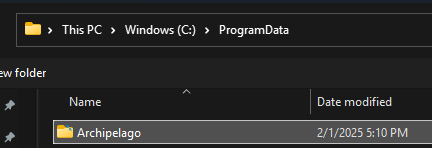
Open the "lib" folder
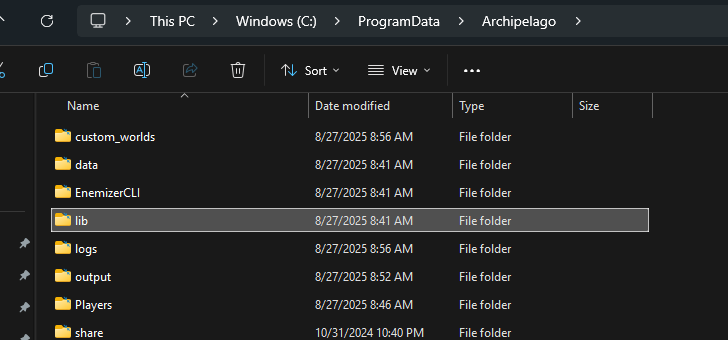
Open the "worlds" folder inside "lib", and delete the existing "kh1.apworld".
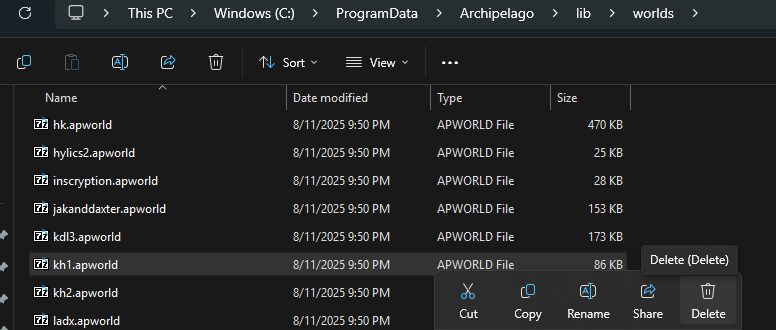
Move the kh1.apworld file you downloaded into this "worlds" folder.
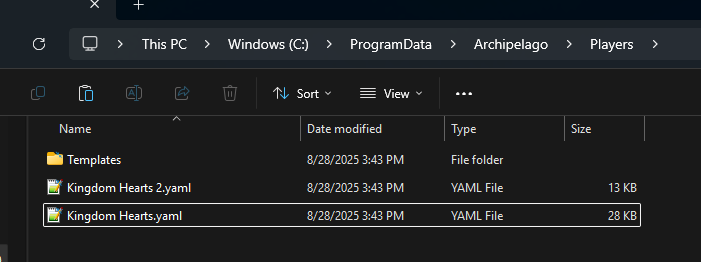
Next, gather all players settings files into your "/Players/" folder.
Run "ArchipelagoGenerate.exe".
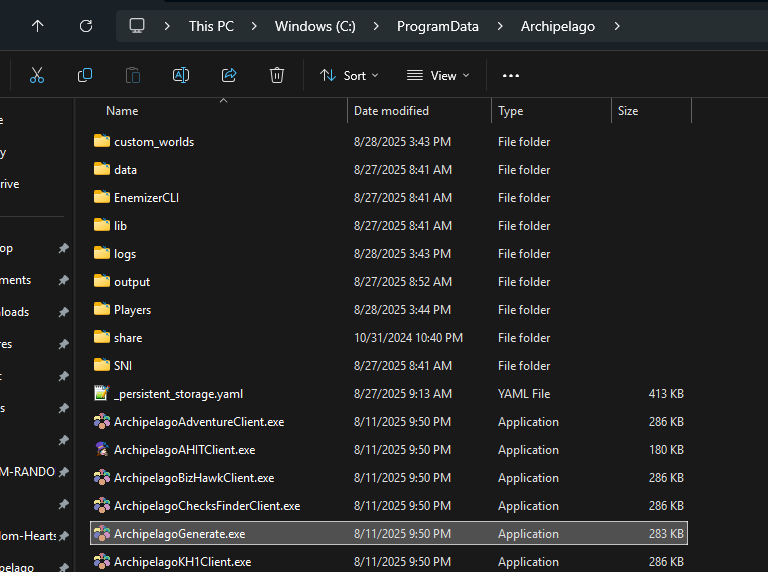
After a short wait, you should see a new file in your "output" folder.
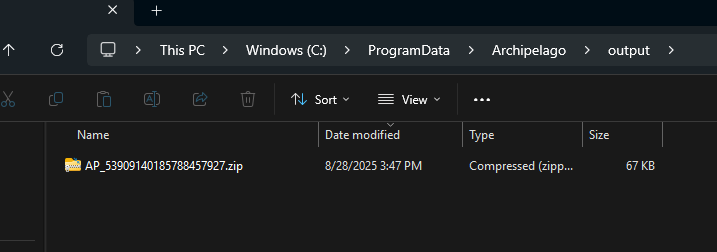
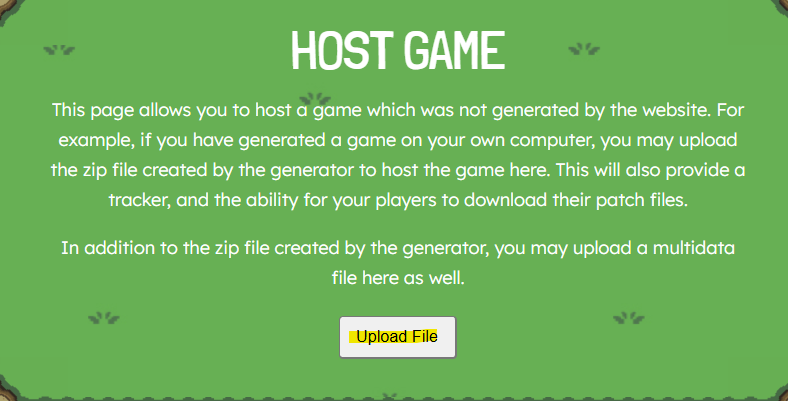
Navigate to https://archipelago.gg/uploads/ and upload the file in your output folder.
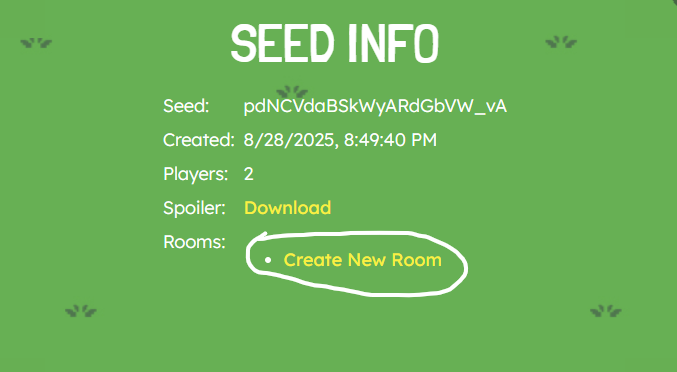
You should be redirected to Seed Info page. Click "Create New Room".
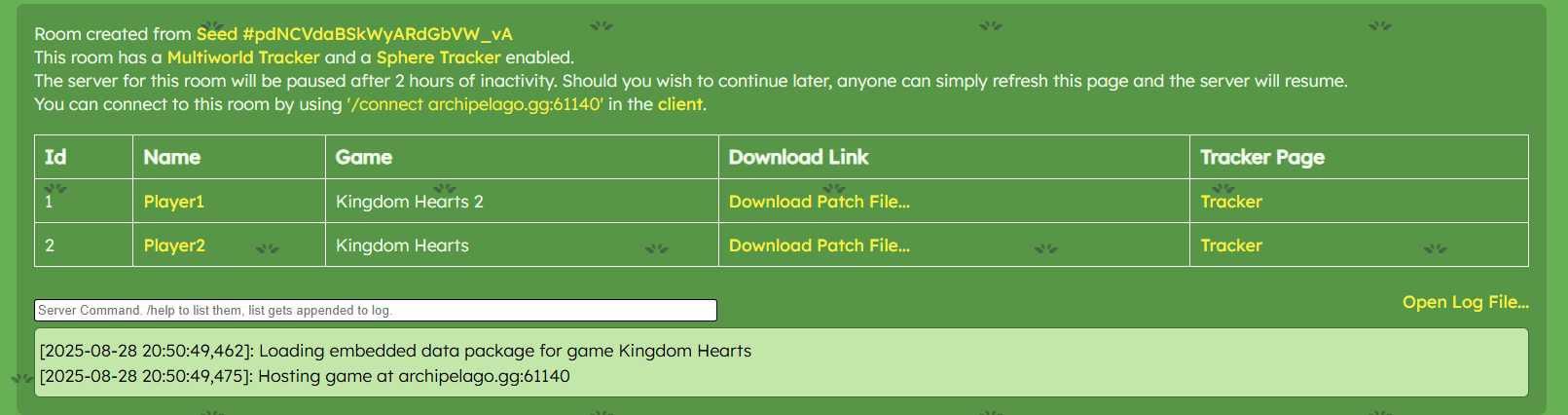
You should be redirected to a new room page. This will contain a link to download the patch file for the KH1 players, all the information they need to connect, and all the files/info for other players.
Installing your slot's mod
KH1 players should begin by downloading their seed's mod zip. This is either provided by their host, or they may click the "Download Patch File..." link associated with their slot in their game.
Using that downloaded patch file, install your mod in OpenKH using the same instructions as the "Installing the mod" step in the Setup Guide.
Connecting to the multiworld server
Once the game has started, you can connect to the multiworld.
You can do this by using the shortcut L2 + R2 + Triangle to open your connection file.
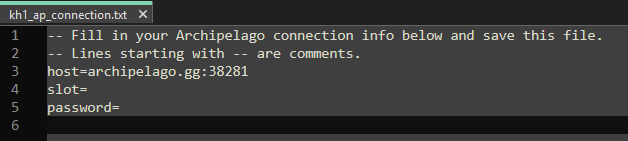
Follow the instructions and type in your host, slot name, and password if applicable.
Then, save the file.
Next, in game, press L2 + R2 + Square to attempt connection.
If connection was successful, you should see a prompt comfirming your connection state.
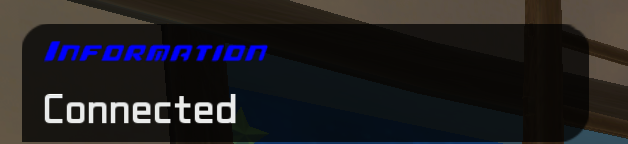
Additionally, you can confirm if you're connected with L2 + R2 + Circle.
Having trouble getting set up? Feel free to join the KH1 AP Discord and reach out for help.